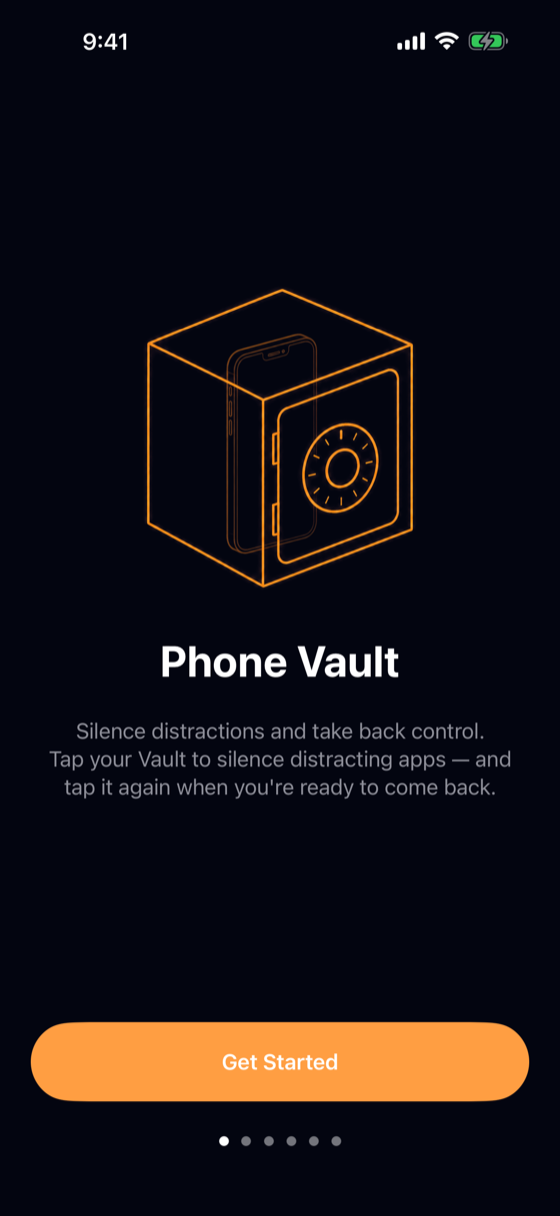
Phone Vault
Tap a physical key to silence your distracting apps. Tap it again to come back.
An iOS app blocker built on physical friction, not willpower.
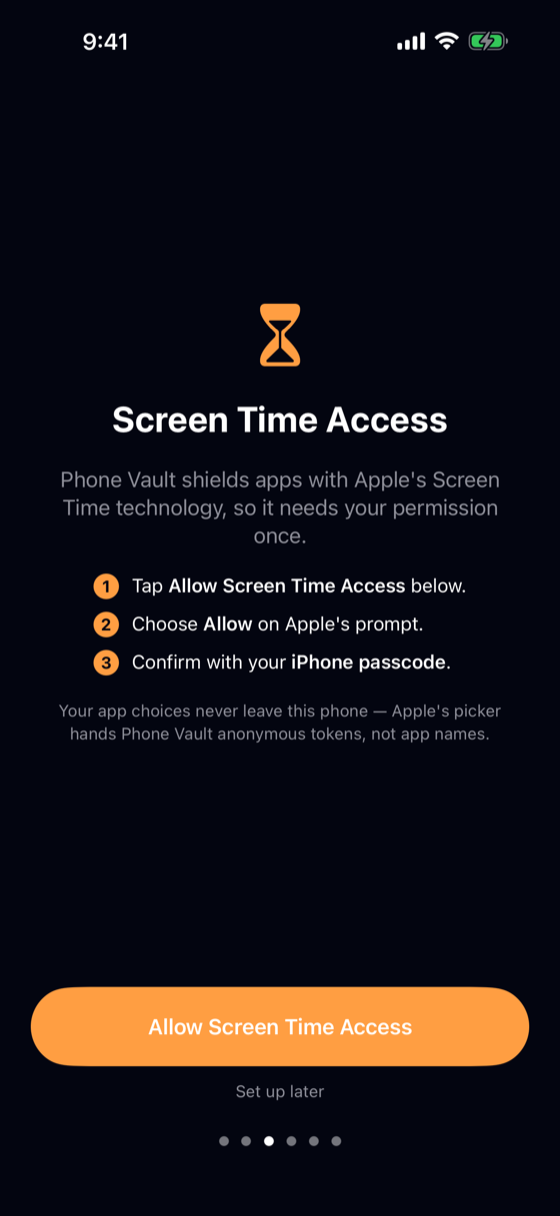
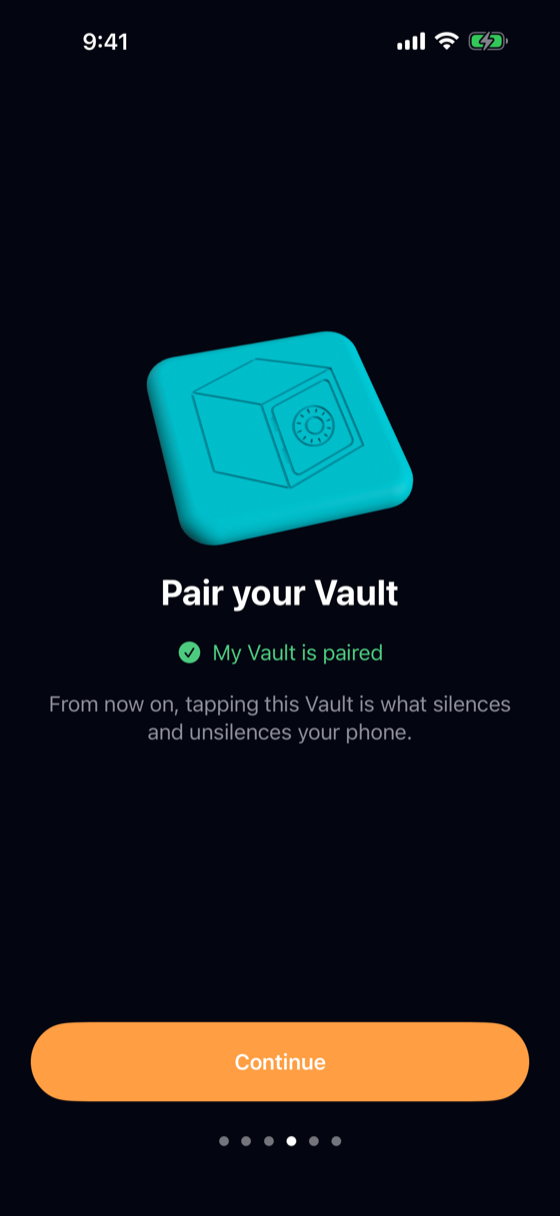
Coming soon to the App Store · now in betaEvery app blocker has the same weakness: the off switch is on the same glowing rectangle as the distractions. Phone Vault moves the off switch onto a physical object — a Vault: an NFC tag or a printed QR code — that you put somewhere deliberate. Another room. A kitchen drawer. Your office. Tap your phone against it and your chosen apps are silenced, shielded at the operating-system level by Apple's Screen Time technology, so they stay blocked across app kills and reboots. Unsilencing means standing up and walking back to the Vault. That walk is the feature: a physical act between impulse and action.
The core loop
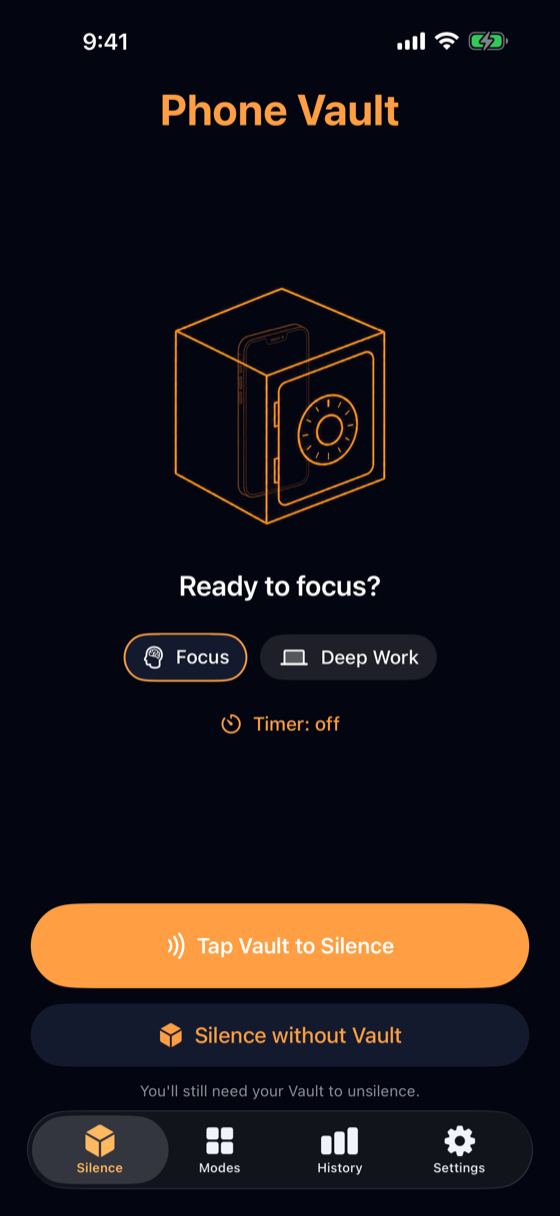
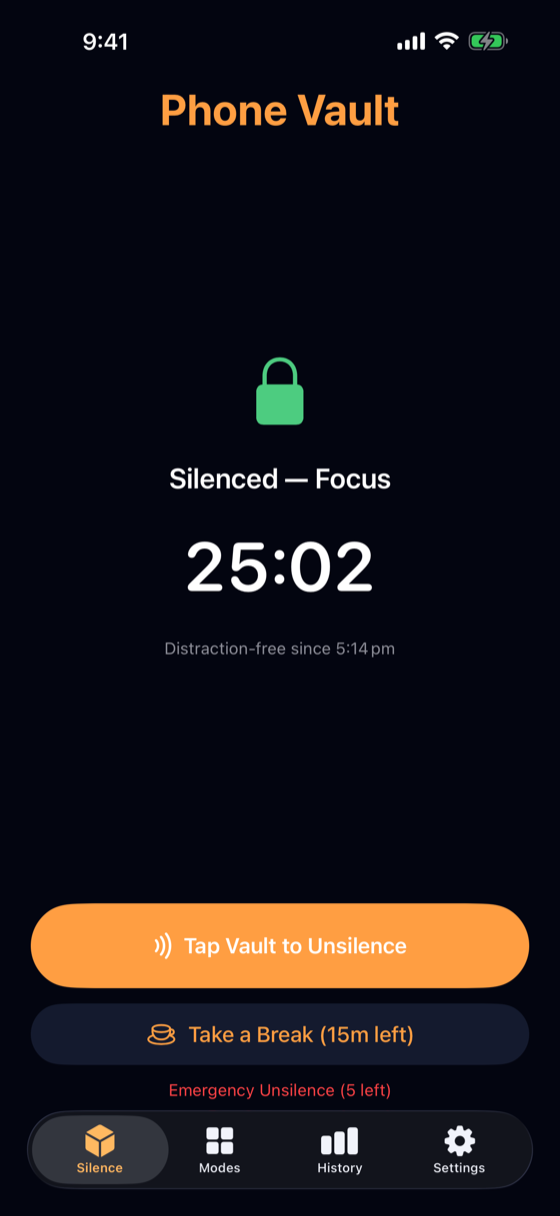
You can also start a session without the Vault — starting is always easy. Ending is what requires the key.
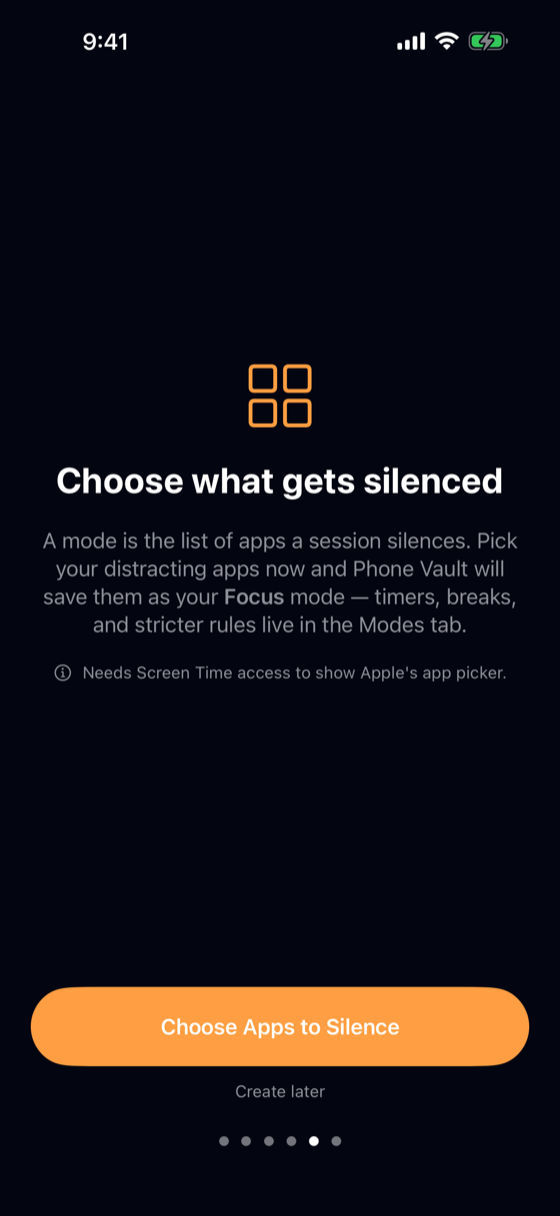
Modes — decide what gets silenced
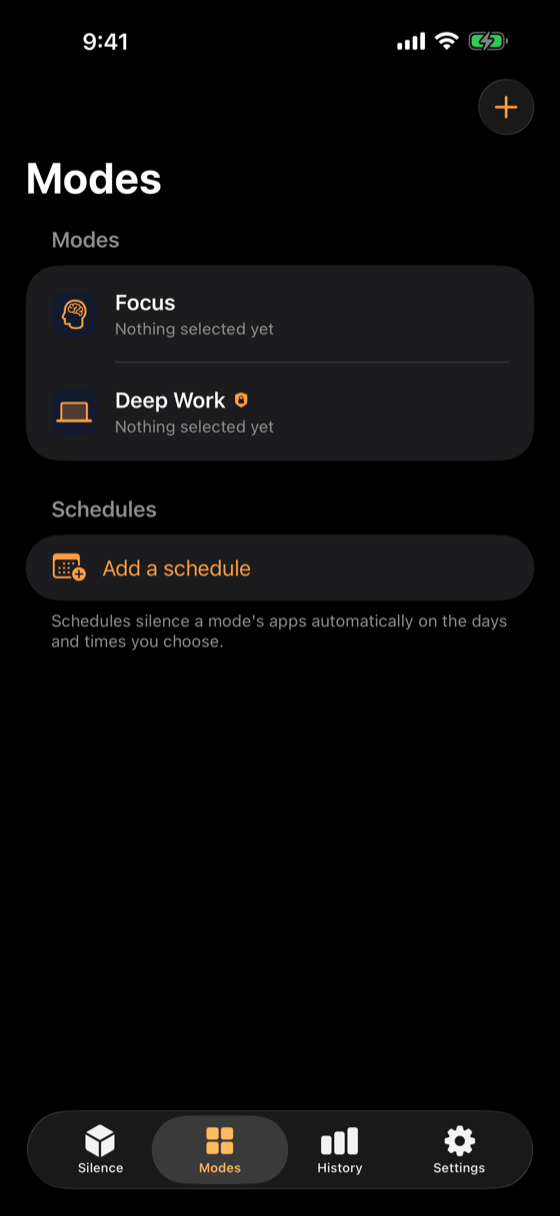
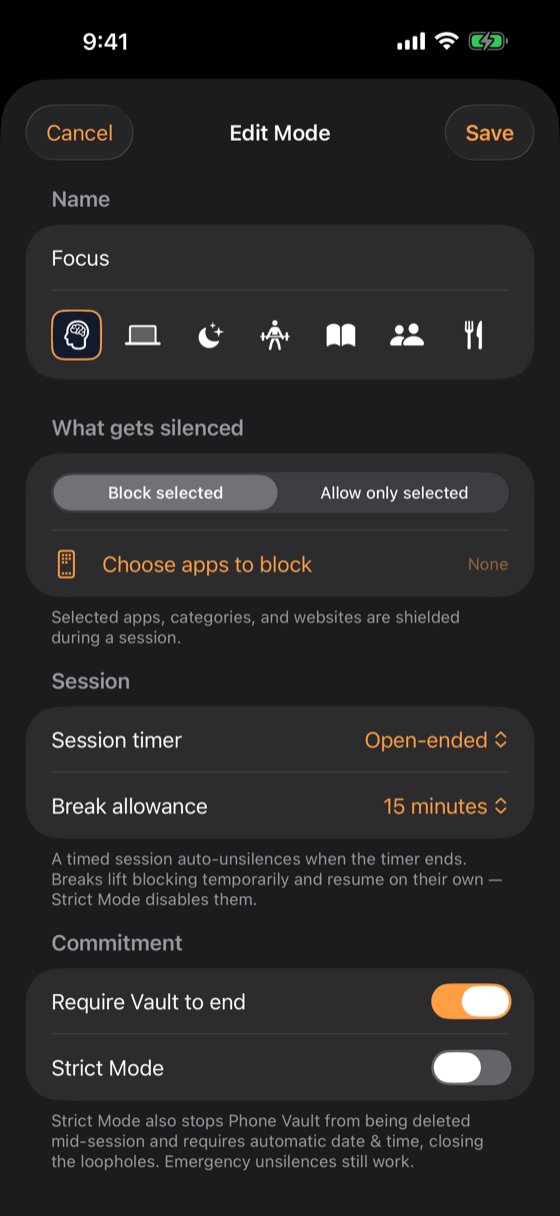
- Block selected apps, categories, and websites — or flip it and allow only what you need.
- Per-mode session timers and break allowances.
- Require the Vault to end, or allow ending in-app.
- Strict Mode for the days you don't trust yourself.
App selection uses Apple's own picker, which hands Phone Vault anonymous tokens — the app never learns which apps you chose.
Physical keys — NFC Vaults and printable QR codes
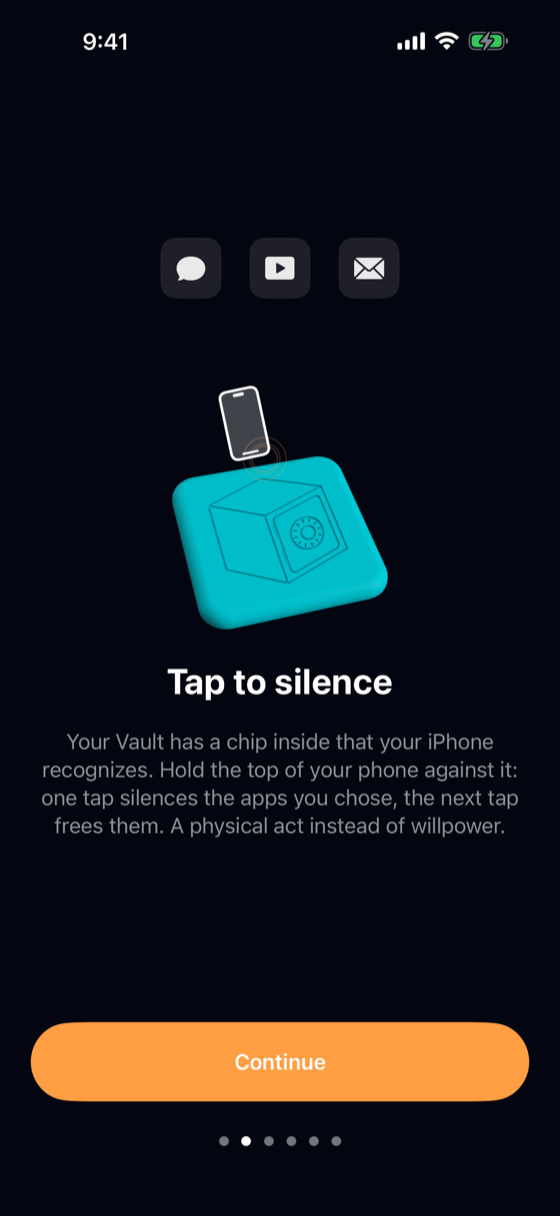
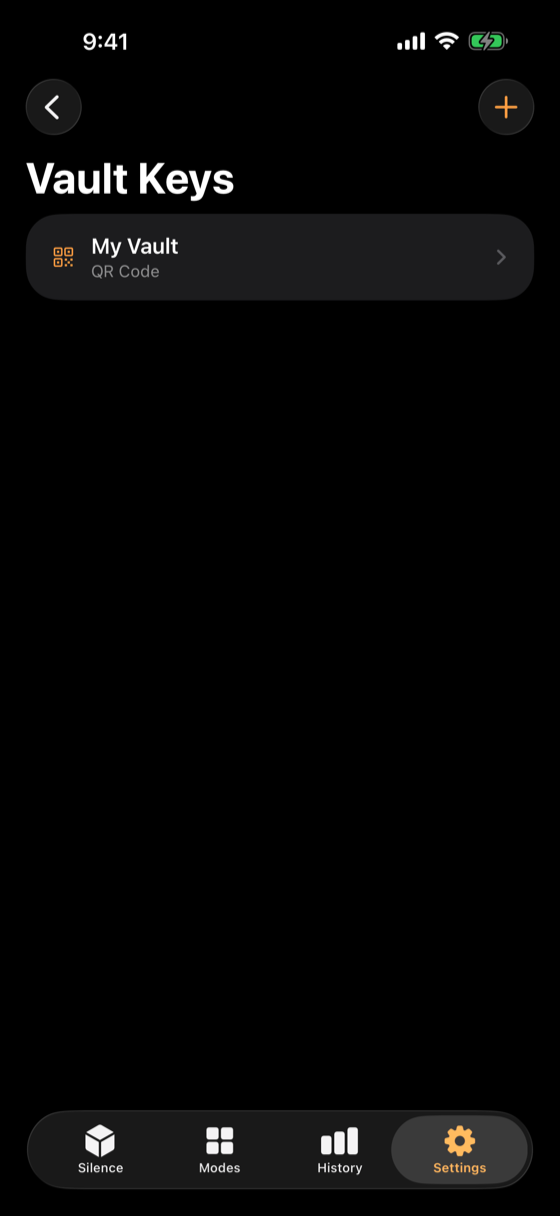
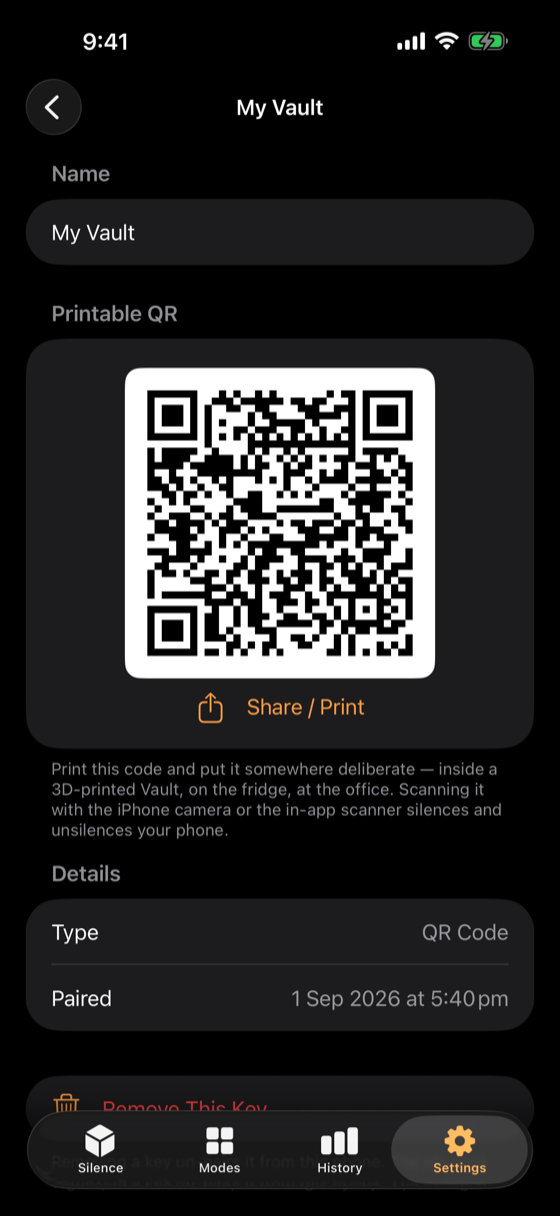
- NFC Vaults — your iPhone writes the tag itself during pairing; taps are verified by the tag's serial number and work even with the phone locked.
- Printable QR keys — no extra hardware at all; scan with the in-app scanner or your camera.
Only a paired key ends a session — unknown tags and codes are rejected.
Committed, not stranded
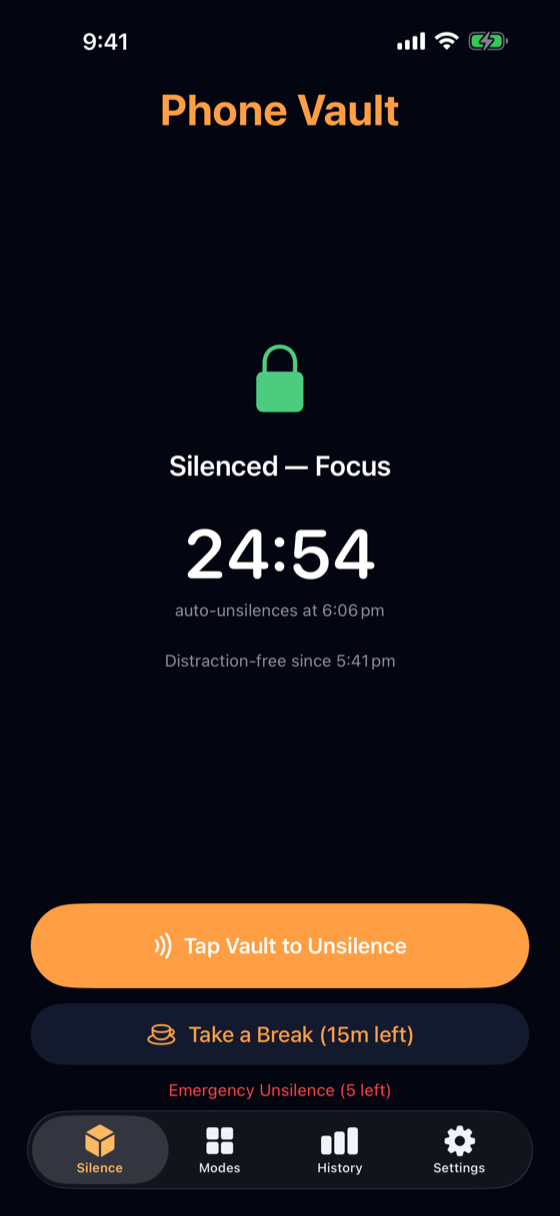
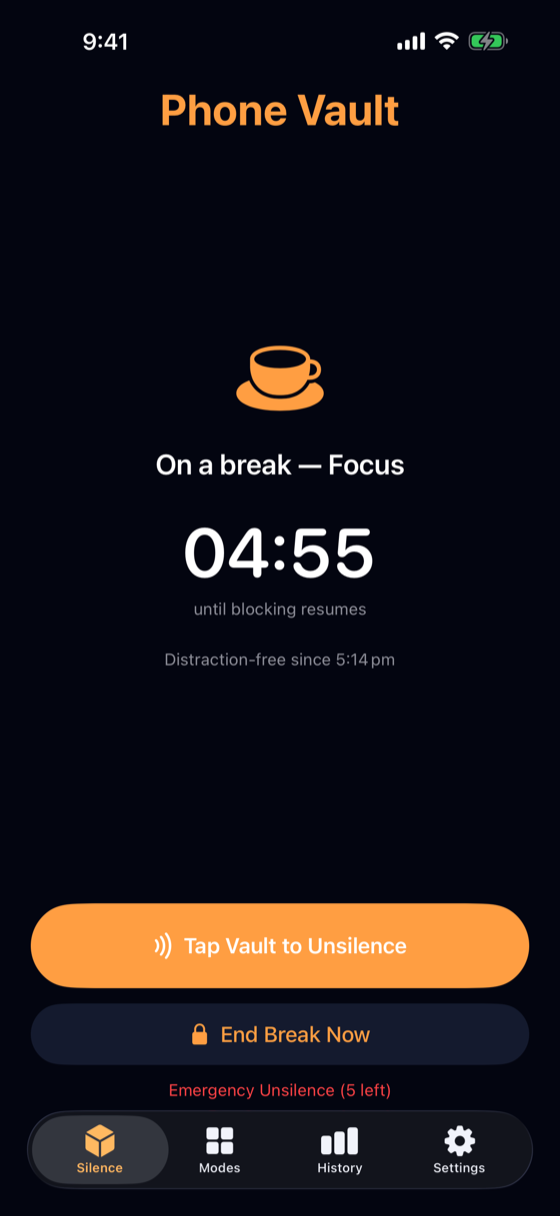
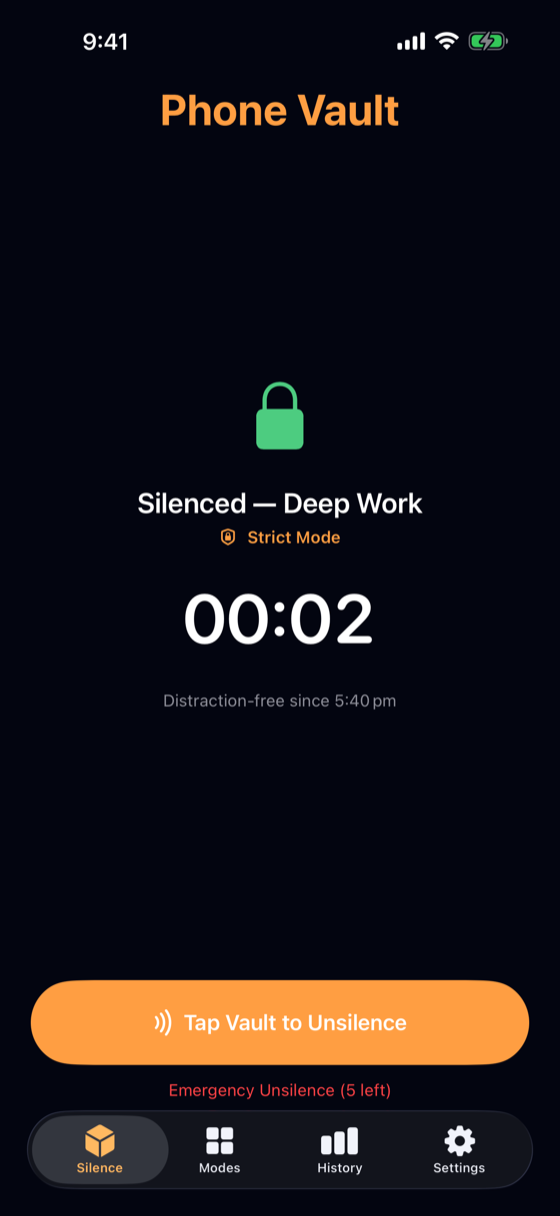
- Timed sessions end themselves — and shields fail closed, never off early.
- Scheduled silence: modes on a calendar — Work every weekday 9–5, Sleep overnight — enforced by the system even when the app isn't running.
- 5 emergency unsilences — ever. One charge unsilences everything, and they don't replenish. An escape hatch, not a revolving door.
Private by design
No accounts, no analytics, no data collection. Your app choices are anonymous tokens; your Screen Time stats are rendered by a sandboxed Apple extension and never reach Phone Vault's process, disk, or the network. What you use stays between you and Apple.
A home-screen widget and Live Activity keep your session in view — in the Dynamic Island and on the Lock Screen.
Set up in minutes
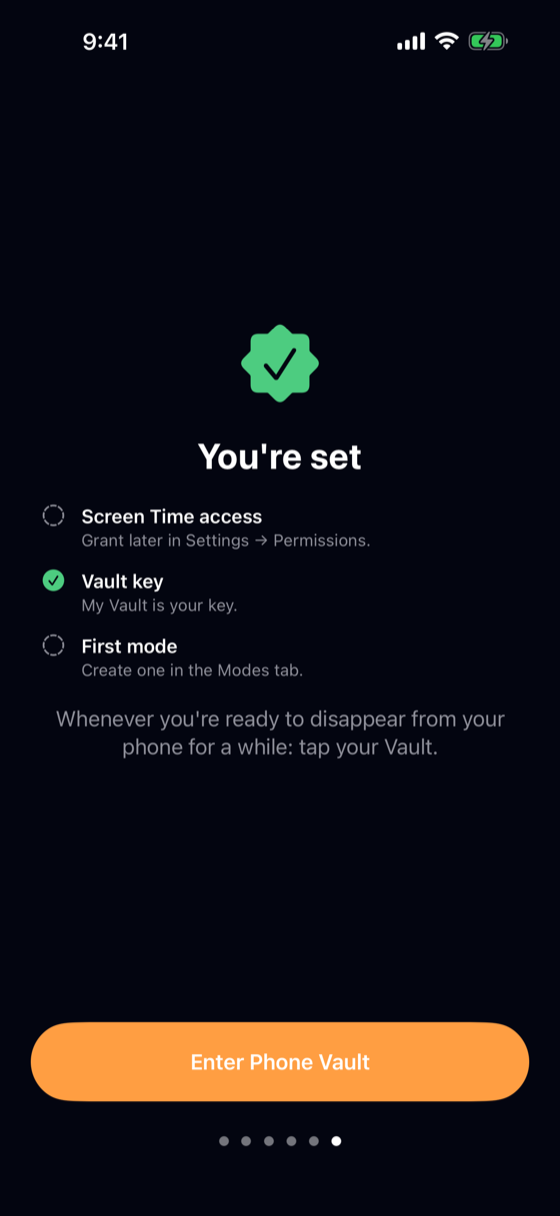
A first-run onboarding wizard walks through setup in six short pages — each step done in place, with the real permission prompt, the real pairing flow, and the real app picker. Every step is skippable, and a checklist on the final page shows exactly what's still pending.